Spotify is tightening enforcement of its Premium Family household rules, with some members now being asked to verify that they live with the plan manager. The process involves scanning a QR code in person, and members have just seven days to complete the check after receiving a notification. The verification process reinforces Spotify’s existing requirement that Premium Family members live at the same address. However, the company has not explained how it selects members for verification, so not everyone should expect to receive a request.
What is Spotify Family Plan Verification?
Spotify Premium Family is designed for people who live together in the same household. To enforce this requirement, Spotify may ask selected members to confirm that they share an address with the plan manager. The company uses QR-code verification as one method of checking eligibility. The request is not sent to every member, and receiving one means the member must complete the required steps within the specified deadline to avoid losing access to the plan.
How the QR Code Check Works
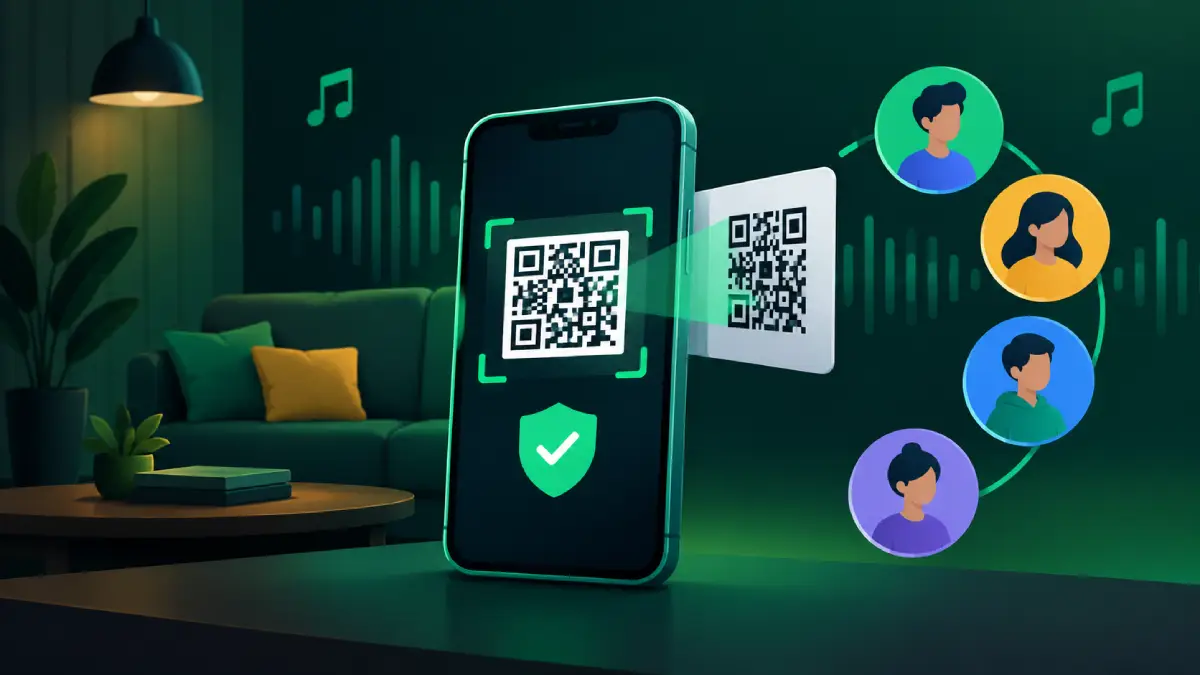
The verification process requires both the plan manager and the member to be physically present in the same location. The plan manager opens the QR code on their phone, and the member scans it using their own phone. The scan must be completed through the mobile app. The QR code refreshes every few seconds, meaning screenshots and photographs shared through messaging apps will not work. Both people need to complete the process together rather than attempting to verify their household remotely.
The Seven-Day Deadline Under Spotify Family Plan Verification
Members have seven days from receiving the verification notification to complete the QR-code scan. This could create difficulties for people who live together but are temporarily in different locations. Missing the deadline or failing to complete verification can result in losing access to the Premium Family plan. Affected members cannot join a different Family or Duo plan for 12 months, although they can choose another subscription through Spotify’s Premium options. The restriction is particularly important for people who frequently change plans or rely on invitations from different household members.
Address Verification Still Applies
QR-code verification is separate from Spotify’s address-verification process. The company may also ask users to confirm their household address, with the plan manager required to provide the full address within seven days of receiving an email. Members should not assume that every account must complete both checks. The applicable process depends on the verification request they receive. If an address check fails or its deadline is missed, the member can lose access to the current plan and cannot join a different Family or Duo plan for 12 months. Rejoining the same plan remains possible under Spotify’s stated rules.
What Users Should Do Now
Premium Family members can take a few practical steps to avoid unnecessary disruption:
- Make sure the plan manager’s address is accurate and up to date.
- Keep the Spotify mobile app updated on both phones.
- Check notifications and emails regularly for verification requests.
- Complete the required check as soon as possible after receiving a request.
- If the QR-code scan fails, check that both phones have the correct date and time and try again.
People who do not live with the plan manager should consider an individual subscription rather than relying on a household plan for which they may not qualify.
Final Thoughts
Spotify Family Plan verification is becoming more prominent as the company reinforces its household-sharing rules. QR-code scans and short deadlines add another layer of enforcement, while the 12-month restriction makes missed verification requests potentially costly for subscribers. Members who genuinely share a home should ensure their account details are correct and respond promptly to any request. Those who live elsewhere may need to reconsider whether Premium Family is the right subscription for them.