YouTube TV has introduced a new Live Guide for its Android and iOS apps by rolling it out in stages. Update enhances the app’s look and feel, making it smoother and more intuitive– improvements that bring the mobile experience closer to the redesigned TV interface introduced last year. The result is something easier to use and richer visually- offering at-a-glance information in a more attractive way.
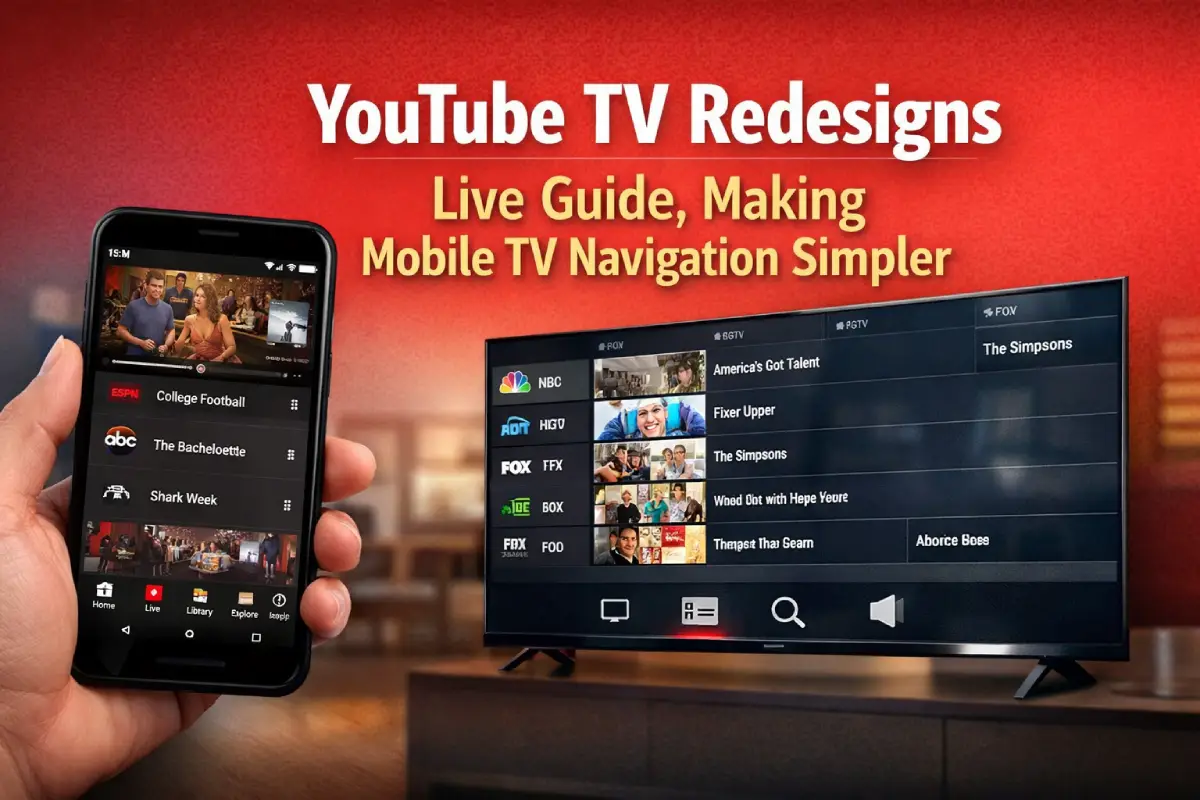
The redesign has placed channel icons in a column on the left of the screen. It’s a smart move for anyone who likes flicking between channels– and it makes them easier to find too. You can also see what’s coming up more clearly with large images, and there is often extra information about shows making choices less stressful.
There’s a handy new ‘Jump to live’ button as well if you’re watching something on catch-up and want to see it as part of the original broadcast; just hit this icon and Boom! (Do people still say that?!) I sometimes feel the interface gives me richer thumbnails & program previews, almost mimicking that traditional cable-guide experience… but right there on my phone!
The redesign’s aim is to make the Live Guide really work well on smaller screens, boosting how browsing feels compared to that older vertical list design which just gave a static preview. Even though this update currently rolls out slowly (so most users don’t get it immediately), if you upgrade your app to its latest version then Jr is more likely to appear in a greater number of areas for you too.
Despite these improvements, you can still spot the previous look of the app in some places like the Library and Home tabs. It makes you wonder if they’re planning to update it completely sometime soon!
This updated Live Guide on YouTube TV is now more similar to what you see on bigger screens. It means if you watch on your phone, you get an experience much more like that of watching on your TV– and it’s simpler as well as more attractive when looking at what’s currently broadcasting.