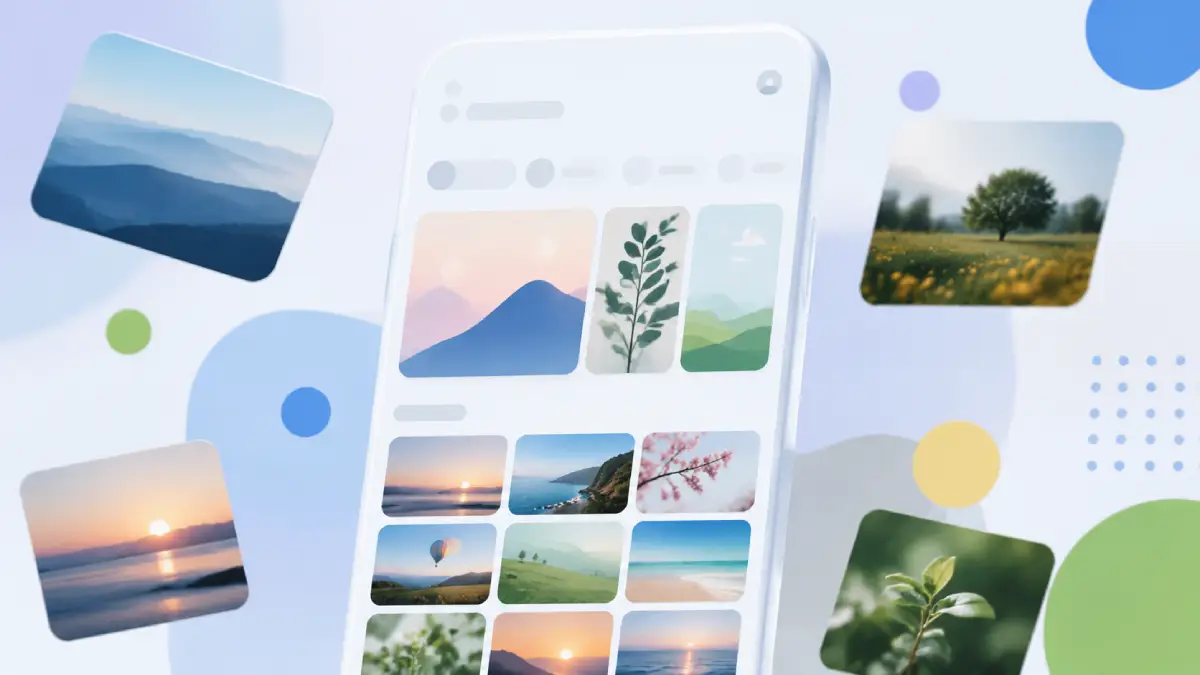
Android users are finally catching up to what iPhone owners have had for months a redesigned floating navigation bar in Google Photos. The old solid bar that used to sit glued to the bottom edge of your screen? It’s gone. Swapped in is a rounded, pill-shaped bar that floats just above your photos instead. Sounds like a tiny tweak, but it actually makes the whole app feel roomier and a lot less cluttered.
What’s actually different
The new pill groups three tabs together Photos, Collections, and Create. A separate circular button sits to its right, handling Search and the Gemini-powered “Ask Photos” feature.
The pill takes up roughly a third of the space the old bar did, so your photos are now visible around and even beneath it instead of being blocked by a solid strip. Here’s the part that actually matters day to day: the old bar used to vanish entirely once you scrolled deep into your library, which meant your navigation disappeared right when you were browsing the most. This one doesn’t. It stays put on screen no matter how far you scroll, so you’re never left hunting for a way back to the top.
The date label got a makeover as well. Instead of sitting inside the photo grid, it now floats in its own little pill at the top of the screen, popping up while you scroll and fading away once you stop.
Don’t like it? There’s a fix
If you preferred the old placement, open the three-dot menu, go to “Photos view” settings, and turn on “Show dates in grid.” That’s the only manual toggle in this update everything else rolls out automatically.
Why it’s arriving late on Android
This exact floating-bar design already landed on iOS back in February 2026, so Android users are getting it several months later a bit unusual, since Google’s own apps usually show up on Android first. The floating-toolbar look also already appears in other Google apps like Chat and Finance, fitting a wider Material 3 push across the company’s suite.
How to get it
Google’s pushing this out on the server side for version 7.82 of the app, so there’s a good chance it’ll just show up on its own without you lifting a finger. Still not seeing it? Head into your phone’s App info settings and force-stop Google Photos a lot of people have found that nudges the update along.
The bigger picture
Google has been steadily sanding down its old Android app architecture of fixed bars and heavy surfaces in favor of lighter, floating controls. Photos is one of the last major apps to get the treatment, and given how central it is to how people manage and search their memories, the shift matters more than a typical cosmetic tweak.
Alongside the bar redesign, Google Photos is also rolling out Video Remix, letting users relight videos, swap backgrounds, and apply artistic filters using Gemini though that feature is locked behind a Google AI Plus, Pro, or Ultra subscription.
For now, the floating bar itself is free and rolling out to everyone. If your Photos app still looks the same, give it a few days or a force stop and the new look should catch up.