Samsung has finally introduced a built-in app lock feature for Galaxy phones with its One UI 9.5 update. Called Samsung App Lock, the feature allows users to protect individual apps without relying on third-party locking tools. It addresses a long-standing request from Galaxy users who wanted a simpler way to keep personal information private.
How the feature works
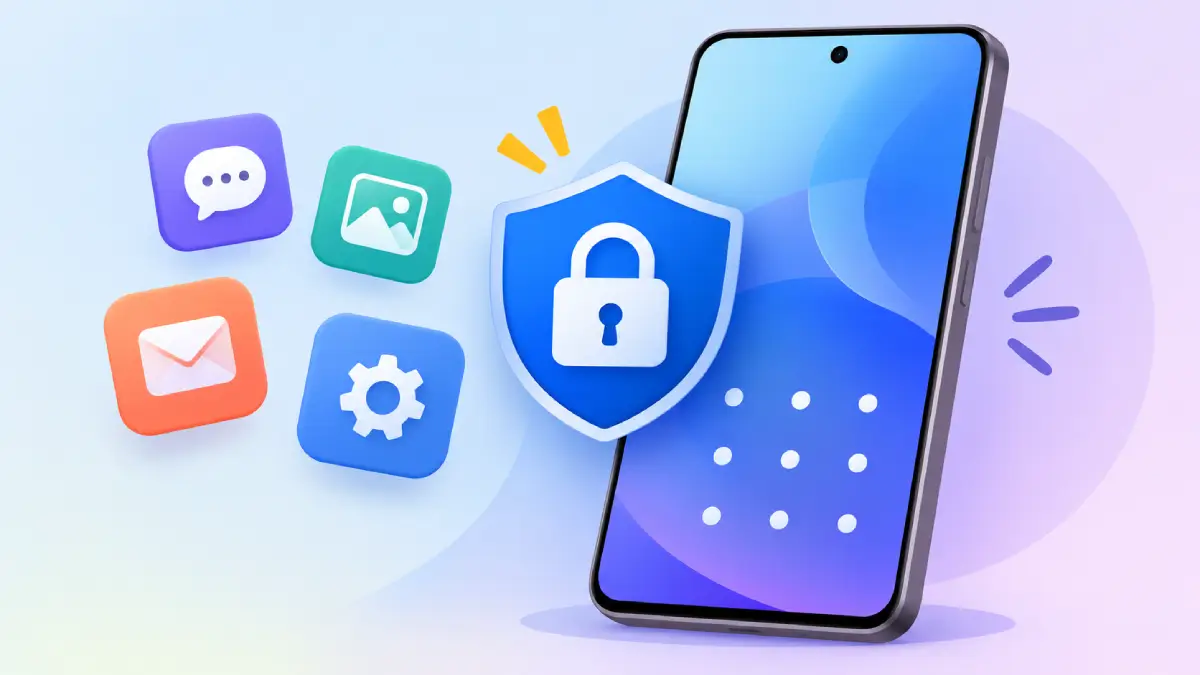
Samsung App Lock allows users to lock individual apps using fingerprint recognition, face recognition or their existing screen-lock method, such as a PIN or password. Even when the phone is already unlocked, a protected app will require authentication before opening. This makes it easier to hand a phone to a friend or family member without worrying about someone accessing private conversations, photos or banking apps. The feature also improves privacy by hiding notification content from locked apps and removing their widgets from the home screen. This helps prevent message previews and other sensitive information from appearing where others can see them.
Why it matters
Until now, Galaxy users primarily relied on Secure Folder for built-in app protection. However, Secure Folder works differently by creating a separate protected space for apps and files. This can feel unnecessarily complicated for people who simply want to lock an existing app. Samsung App Lock offers a more straightforward approach. Users can protect apps directly without moving them into Secure Folder or setting up separate copies. Several competing Android brands already offer similar functionality, making this a welcome addition to Samsung’s software. The feature also responds to repeated requests from Galaxy owners who wanted to avoid third-party app lockers, which can introduce advertisements, request unnecessary permissions or consume additional battery power.
Availability and rollout
The feature is not available to all Galaxy users yet. Samsung has initially introduced App Lock through the One UI 9.5 beta program for the Galaxy S26, Galaxy S26+ and Galaxy S26 Ultra. The beta is available in six markets, including India, Germany, South Korea, Poland, the UK and the US. Eligible users can register for the beta through the Samsung Members app. However, beta software may contain bugs, so users who rely on their phones daily may prefer to wait for the stable release. Samsung is expected to expand the beta program to more Galaxy devices before releasing the stable version in 2027. However, the company has not confirmed the complete list of supported devices or an exact release date.
Secure Folder still has a role
Samsung App Lock does not replace Secure Folder. The two features serve different purposes. App Lock protects individual apps already installed on the phone, while Secure Folder creates a separate, protected space for apps and files. This makes Secure Folder a better choice for people who want to keep sensitive information isolated from their regular phone environment. The Galaxy S26 Ultra also gets an additional privacy benefit. Users can configure its Privacy Display feature to activate automatically when opening an app protected by App Lock, making it harder for people nearby to view the screen. For most Galaxy users, the addition of native App Lock is a welcome improvement to everyday privacy. It provides a simpler way to protect personal apps without installing additional software or managing a separate secure space.