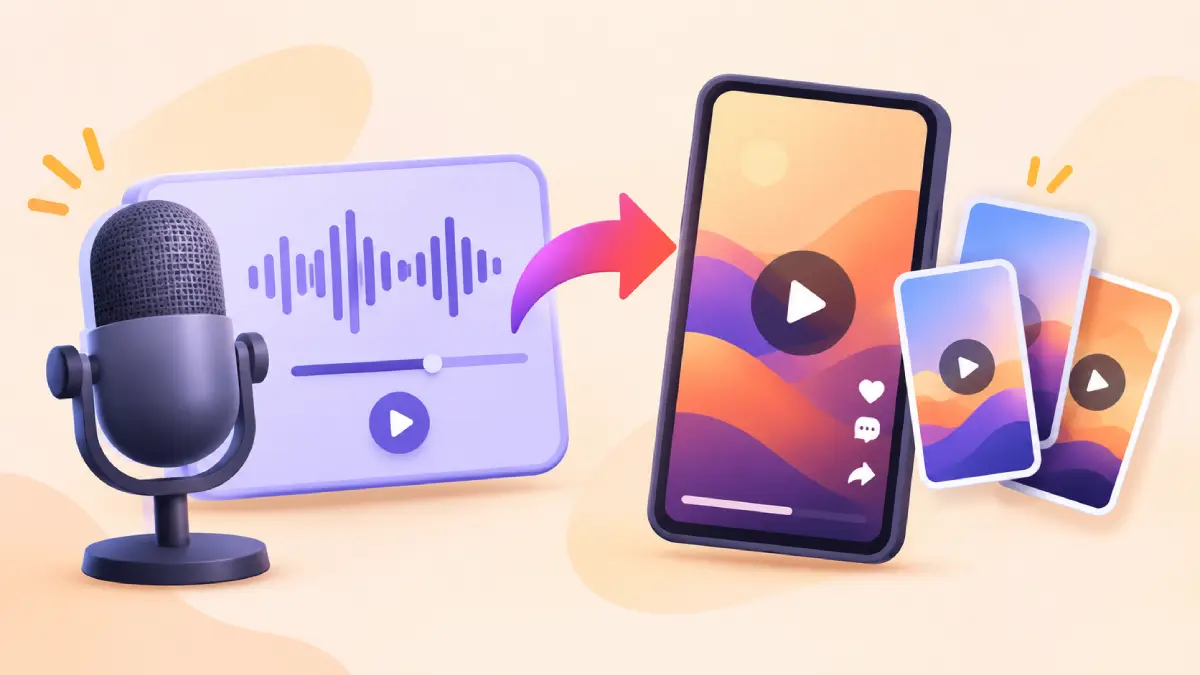
YouTube has expanded its Clips tool in YouTube Studio, making it easier for creators to turn segments of long-form podcast episodes into vertical Shorts. The new option allows creators to select interesting moments from existing videos and publish them as standalone Shorts without relying on separate video editing software. Podcast episodes often run for an hour or more, making it difficult for new viewers to discover their most interesting moments. Short clips offer a way to highlight these conversations and reach audiences who may not have time to watch an entire episode. With this update, creators can manage the process directly through YouTube Studio.
How the Tool Works
Creators can open YouTube Studio, select an existing long-form video or podcast episode, and choose the Clips and Shorts option. They can then select the portion they want to turn into a Short using the video timeline or transcript. The tool also includes AI-powered suggestions that identify interesting moments that can work as standalone clips. An automatically generated transcript outline helps creators navigate long episodes, find specific conversations, and identify suitable sections without watching the entire recording again. Once a segment is selected, YouTube transforms the original widescreen video into a vertical format for Shorts, keeping the main visual content within the frame. Captions are also added automatically where available, with options to customize their fonts, colours, styling, and positioning.
Shorts created through this tool automatically include the original video as related content, allowing viewers to visit the full episode. However, this link is not added when a Short is private, unlisted, or marked as Made for Kids.
Keeping Podcast Feeds Clean
YouTube also recommends keeping podcast playlists dedicated to full-length episodes rather than adding individual clips and Shorts. Clips created through the tool will appear in the channel’s regular Videos and Shorts tabs. This approach helps creators keep their podcast playlists organised while still making short highlights available to viewers.
Availability and Limits
Not all features are available everywhere. AI-powered suggestions and transcript outlines are currently supported in selected countries and languages, including India and Hindi, alongside several other markets and languages. Creators outside the supported regions can still select video segments manually using the transcript or timeline. This means the main clipping functionality remains useful even without AI-powered suggestions.
Why It Matters
This update makes it easier for podcasters to get more content from a single recording. Instead of publishing only a full-length episode, creators can also share shorter highlights that may attract new viewers and encourage them to watch the complete conversation. It could also benefit brands that sponsor podcasts by giving their sponsored content additional opportunities to reach audiences through short-form videos.
For viewers, the change may make it easier to discover interesting discussions and new podcasts through shorter clips before deciding to watch a full episode. With the expanded Clips tool, YouTube is making podcast content easier to repurpose and helping creators connect long-form conversations with the growing Shorts audience.