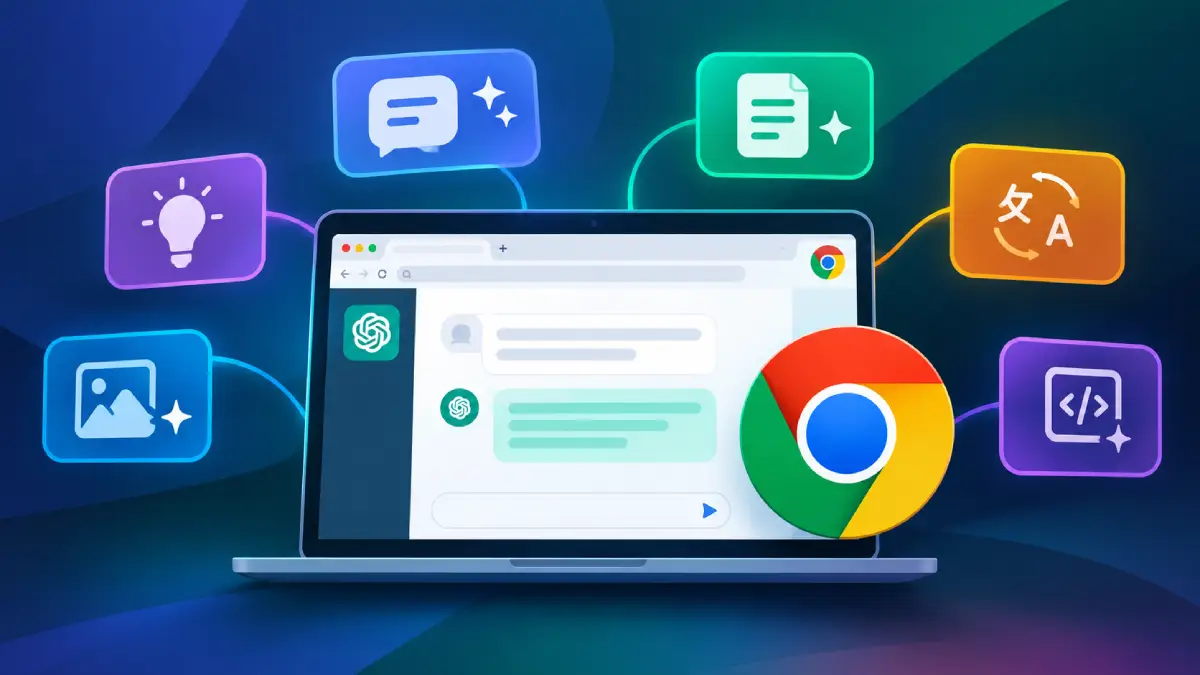
OpenAI has expanded ChatGPT’s integration with Google Chrome, making it easier for users to research websites, compare information across tabs, and complete browser tasks. The update brings new capabilities to the ChatGPT Chrome extension, including access to open tabs, highlighted text, and a more capable sidebar.
What the New ChatGPT Chrome Feature Update Adds
The upgrade expands the extension’s Side Chat panel, allowing users to interact with ChatGPT without leaving the webpage they are viewing. Users can ask questions about YouTube videos, refer to open tabs, or highlight text and request explanations without copying and pasting content. A new right-click option also makes this process faster. Users can highlight text, right-click, and select “Ask ChatGPT” to open the Side Chat panel and discuss the selected content. The latest update goes further by allowing ChatGPT to use information across multiple open tabs. For example, users can compare product prices, review different subscription plans, or summarize information from several websites in one conversation. ChatGPT’s Work mode can also interact with browser tabs to perform tasks such as filling out forms, sending messages, downloading files, and organizing tabs. Users can delegate certain browser activities while retaining control over the process.
Why OpenAI is Focusing on Chrome
The update reflects OpenAI’s shift toward integrating AI capabilities into existing workflows rather than relying on a standalone browser. OpenAI has retired its Atlas browser, which was scheduled to stop working on August 9, 2026, and is bringing browser-based capabilities into ChatGPT and Codex. The company is building on lessons from Atlas by improving access to multiple tabs, downloads, navigation, and signed-in websites. The Chrome extension also allows users to continue conversations across the browser and ChatGPT app. This approach gives users access to AI assistance while they browse, research, and work online without requiring them to switch to a separate browser.
Privacy, Access and Availability of the ChatGPT Chrome Feature
The expanded capabilities make browser permissions important. ChatGPT can interact with websites where users are already signed in, including services such as Gmail and Salesforce, depending on the setup and permissions granted. OpenAI says the extension requests permission before sensitive actions, including accessing new websites, referencing browsing history, and downloading or uploading files. Users should still review the information ChatGPT can access and check actions before allowing tasks to proceed. Availability varies by browser, plan, rollout, and workspace settings. The extension supports Google Chrome and several other browsers, while features such as Side Chat are available only in supported browsers. Some advanced browser workflows may require the ChatGPT desktop app and compatible settings.
How It Compares With Gemini in Chrome
Google is also expanding Gemini’s capabilities in Chrome, including features that help users understand webpages and automate browsing tasks. ChatGPT’s latest update puts it in more direct competition with Google’s built-in AI assistance. Both services aim to reduce the need to switch between tabs and manually transfer information. ChatGPT’s ability to use multiple open tabs and perform browser tasks could be particularly useful for research, shopping comparisons, and routine online work. However, performance and feature availability can vary depending on the task and setup. The usefulness of these tools will depend on how accurately and reliably they handle browsing context and delegated actions.
Final Take
OpenAI’s latest Chrome update moves ChatGPT beyond answering questions about individual webpages. By combining cross-tab context, Side Chat, and browser task automation, the company is making ChatGPT a more capable assistant for everyday browsing. The expansion also signals a broader shift toward integrating AI into existing applications rather than requiring users to adopt entirely new products. If the features continue to improve in reliability and usability, ChatGPT could become a more practical tool for researching information and completing everyday tasks online.