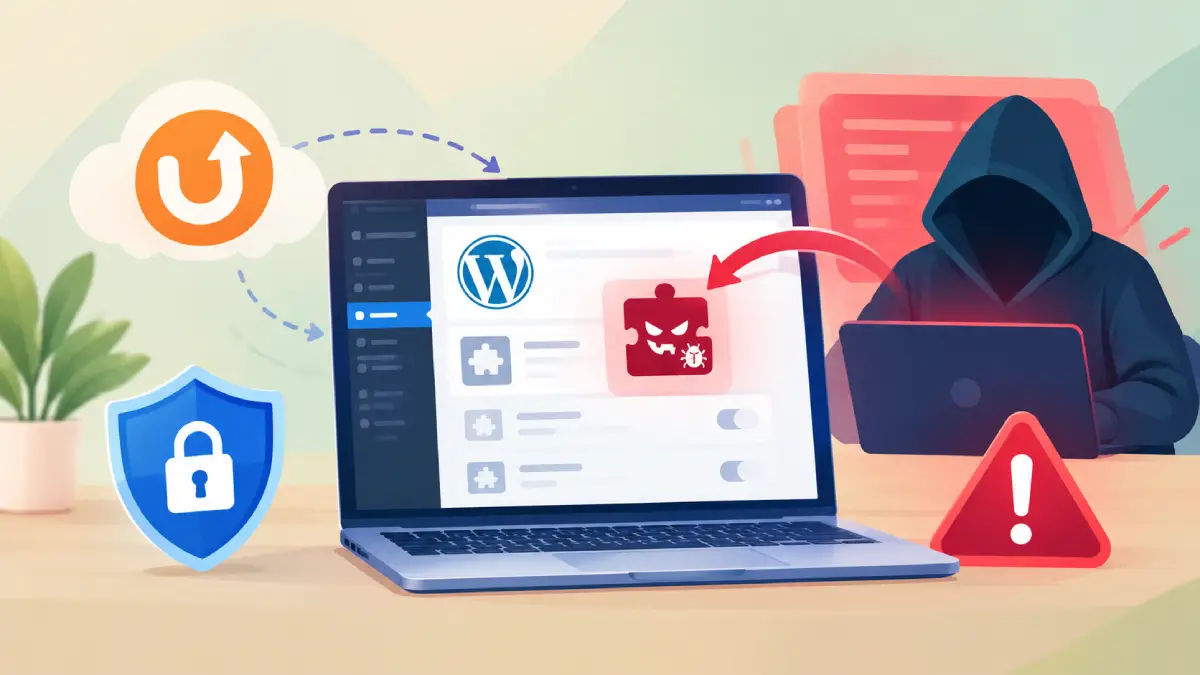
WordPress websites connected to UpdraftCentral have been targeted in an attack campaign that uses stolen connection keys to install malicious plugins and establish persistent access. Security researchers identified 99 distinct backdoor plugin names during attacks observed on October 18–19, raising concerns for website owners using UpdraftPlus and its remote management service. The attack followed a security breach at TeamUpdraft, the company behind UpdraftPlus. Although the investigation is ongoing, the company has released updates to revoke older UpdraftCentral Cloud connections and is urging users to check their websites for suspicious activity.
What is the UpdraftCentral Key Theft Attack?
UpdraftCentral is a remote management service that allows users to manage multiple WordPress websites from a central dashboard. Its client is included in both the free and Premium versions of UpdraftPlus, but remote management requires a connection key.
Researchers found that attackers obtained valid UpdraftCentral keys and used them to send authenticated commands to connected websites. These commands instructed WordPress to install and activate malicious plugins.
The incident is not the result of a newly discovered vulnerability in the UpdraftPlus plugin itself. Instead, attackers abused compromised connection keys, allowing their commands to pass the plugin’s normal authentication checks.
The evidence points to a compromise involving the UpdraftCentral Cloud environment. TeamUpdraft has confirmed unauthorized access to its website and believes its customer database was accessed.
How the Malicious Plugins Work
The malicious plugins act as backdoors, allowing attackers to regain access to affected websites. Researchers found that some variants create hidden accounts that appear to have the Editor role but possess additional permissions to install plugins and modify site settings.
These permissions can allow attackers to execute arbitrary code and elevate accounts to administrator privileges. Some variants also establish login sessions without using the normal login process, potentially bypassing two-factor authentication and other login protections.
Removing a malicious plugin may not eliminate the threat because unauthorized accounts or other persistence mechanisms can remain on the website. Researchers identified 99 distinct plugin names, including “Site Health Cache.” Many samples shared the description “Small maintenance toolkit: keeps option storage tidy,” which may help administrators identify suspicious installations.
Who is Affected by UpdraftCentral Key Theft?
The attack primarily threatens websites connected to UpdraftCentral Cloud through potentially compromised keys. UpdraftPlus has more than four million active installations, but that does not mean all those websites were affected. The number of compromised sites remains unknown.
Some website owners may have enabled UpdraftCentral without realising it, because connecting a TeamUpdraft account could create a connection by default. The company has clarified that self-hosted UpdraftCentral was not affected and that the UpdraftPlus plugin files and downloads were not compromised.
TeamUpdraft has released UpdraftPlus 1.26.13 for free users and 2.26.13 for Premium users. These releases automatically disconnect older UpdraftCentral connections. However, updating alone does not remove malicious plugins or unauthorized accounts that may already have been installed.
What Site Owners Should Do Now
Website administrators should update UpdraftPlus to the latest available version and follow TeamUpdraft’s security instructions. They should also check each WordPress dashboard directly, review existing UpdraftCentral connection keys, and remove any remaining exposed keys as directed.
Inspect installed plugins and user accounts for unfamiliar entries, paying particular attention to suspicious maintenance tools and unexpected accounts with elevated permissions. Premium users should perform these checks even if they do not remember using UpdraftCentral.
If a website shows signs of compromise, administrators should treat it as a security incident rather than simply deleting a suspicious plugin. Restore from a verified clean backup where appropriate, remove unauthorized access, review logs, and rotate administrator passwords and relevant service credentials. Users should also change their TeamUpdraft account password and reset two-factor authentication if advised.
The investigation is continuing, and the full impact of the breach has not yet been established. Website owners should follow the latest security guidance and verify that their websites are clean, even after applying the available updates.