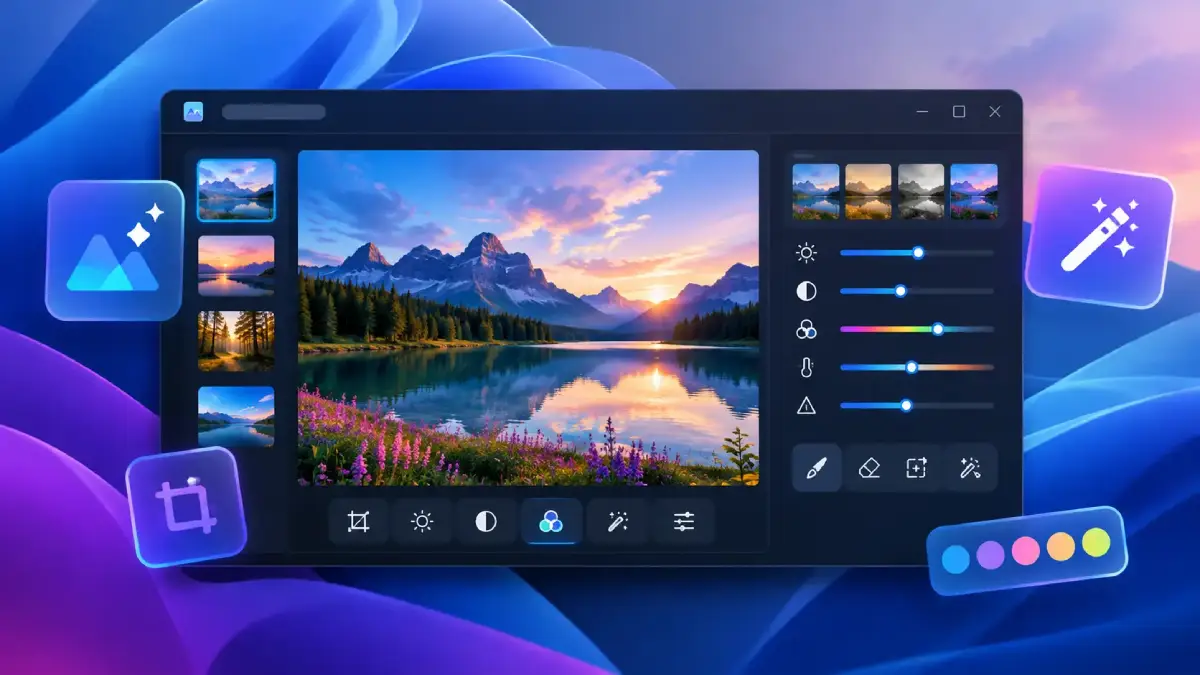
Microsoft is revamping the Windows 11 Photos app with a redesigned Gallery, a rebuilt image editor, and a faster photo viewer. Announced on October 15, 2026, the update aims to make it easier to organize pictures from different services, edit images, and browse photo collections. The new experience is beginning to roll out to Windows Insiders, with wider availability planned for later this year.
Windows 11 Photos Update Brings a Unified Gallery
The redesigned Gallery brings photos and videos stored on a PC, OneDrive, and Apple iCloud into one place. This makes it easier to browse pictures without switching between different apps or services. Users can search for photos using everyday language instead of relying only on filenames or dates. A new People feature helps users find pictures of specific friends and family members, while filters can narrow results by the people shown or where the photos are stored. The update also introduces Albums for organizing and sharing collections, along with OneDrive Moments, which helps users revisit related photos and memories.
New Editing Tools in the Rebuilt Editor
Microsoft has rebuilt the Photos editor using WinUI 3, with a redesigned interface organized into four categories: Crop, Enhance, Repair, and Stylize. According to Microsoft, the editor launches 25% faster than the previous version under its testing conditions.
Several new and improved features stand out:
- HDR editing: Users can preserve HDR quality while editing photos.
- HEIC and WebP support: Images can be edited and saved in their original formats.
- AI-powered object removal: Users can remove unwanted objects from the background by brushing over or circling them.
- Relight: Lighting adjustments allow users to position up to three light sources and change their color and intensity. Microsoft is expanding this feature to all Windows 11 devices.
- Social media crop presets: Ready-made aspect ratios make it easier to prepare images for popular social platforms.
These changes make the built-in Photos app more capable for everyday editing without requiring users to open a separate image editor for basic adjustments.
A Faster Viewer for Everyday Use
The redesigned photo viewer features a cleaner layout that puts images first while keeping common actions such as editing, printing, and sharing close at hand. Microsoft reports that the viewer starts 15% faster on average, with improvements of up to 30% when opening HEIC images. Actual performance may vary depending on the device and file. The viewer also improves HDR viewing and adds support for SVG files. A redesigned information panel provides additional photo details, including camera information, location data when available, and a color histogram. Opening an image directly from File Explorer now launches it in the updated viewer, making it easier to browse photos stored on a Windows PC.
Windows 11 Photos Update Availability and User Feedback
The redesigned Photos experience began rolling out to Windows Insiders on October 15, 2026. Microsoft plans to expand availability to all Windows 11 users later this year, although the timing may vary as the rollout progresses. The announcement focuses on improved organization, editing, and viewing rather than a complete replacement for professional photo-editing software. The changes may also attract criticism from users who prefer the previous interface or are concerned about performance and design decisions. Any specific complaints about the app’s implementation or speed should be treated as user feedback rather than confirmed shortcomings unless supported by reliable testing or reporting.
Final Thoughts
The Windows 11 Photos update brings together a more capable editor, a unified gallery for local and cloud photos, and a faster viewer. Features such as AI-powered object removal, Relight, HDR editing, and natural-language search expand what users can do with the built-in app. Windows Insiders are getting the redesigned experience first, with a broader rollout expected later in 2026.