What are SEO Friendly URLs?
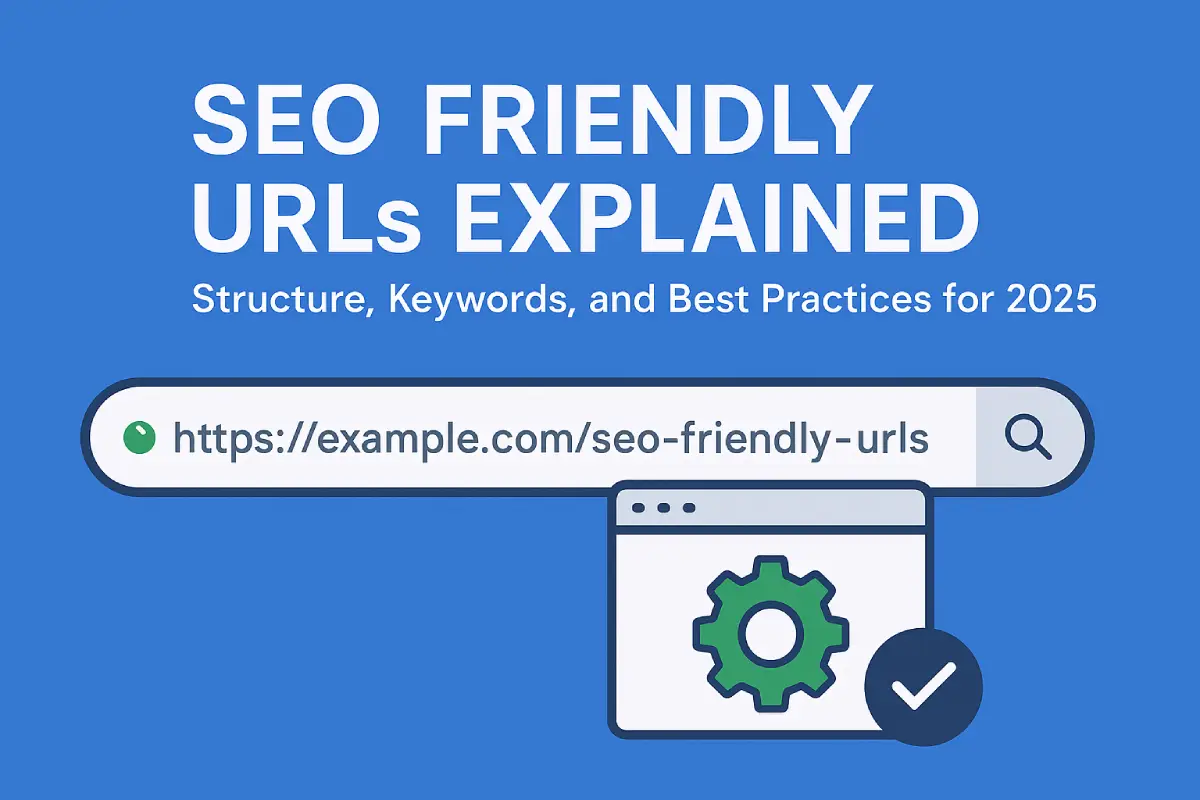
Search engine optimized URLs are web addresses that users and search engines can easily understand. They make it clear what a webpage is about, they don’t rely on weird symbols, parameters, or confusing strings of numbers. A good URL www. example. com/organic-coffee-beans, for instance gives you an idea of the page’s content straight away, whereas a messy one like www. example. com/product? id=4587 tells you nothing useful. Search engines prefer descriptive URLs because they help establish topical relevance whereas users trust them more as they appear professional, clear, and safe to click on.
How to Write SEO Friendly URLs
Creating URLs that are SEO-friendly is super important for website optimization, though it sometimes gets overlooked. A good URL structure helps search engines figure out what your page is about and it also makes people more likely to trust your site and click through from search results. Think of URLs like a roadmap: they show users (and search engine spiders) how your site’s content is organized and connections between different areas. By making clean, descriptive, consistent links, you can boost rankings; indexing speed; plus overall visitor experience too!
Why are URLs Important for SEO?
In the world of SEO, URLs are super important. They help search engines get the structure of your website! URLs that are clear and contain keywords give search engines additional information about what a page is about and how it fits into the overall hierarchy making it easier for them to crawl and index your content. People also see URLs lots of times: in search results, browser bars, and when links get shared around; this means they affect not just visibility but also engagement. If users can understand a URL quickly, they’re more likely to click on it, share it with friends or link back from their website. Furthermore optimized URLs make internal linking easier ensuring that link equity (ranking power) flows where you want it to go within your site helping to boost overall SEO authority too.
Best Practices for Creating SEO Friendly URLs
a) Keep URL Depth Minimal
You should use a shallow URL structure rather than deeply nested URLs. Search engines and users will have an easier time figuring out where they are on your site if there are fewer subfolders/directories in the web address. For example, “website. com/blog/seo-tips” is much better than “website. com/blog/articles/2025/seo-tips” and it’s not just because one is longer! When there are not so many levels going down (or when someone stops them from going any further), this also helps make clear things about each page: its position within the overall hierarchy for instance. It additionally improves crawl speed while keeping URLs concise to prevent confusion or unnecessary complexity. In short, a flatter structure makes your content easier both to reach and maintain over time.
b) Use Keywords in the URL (Without Stuffing)
When your URLs contain relevant keywords, it is easier for search engines to make connections between your page and the searches of users but don’t just shove them in there! The keywords must make sense with regard to what you are offering. For instance “/digital-marketing-services” is far better than “/best-digital-marketing-digital-seo-services-online” because it is shorter, clearer, and more to the point (i. e., not stuffed full of words). If you cram loads of keywords into a sentence it can be hard to read as well as making things seem less genuine. Identify 1 or 2 main ideas that communicate the essence of your page! Make it simple but non-repetitive.
c) Use Hyphens, Not Underscores
To separate words in a URL, it is best to use hyphens (-) as this is what the search engines prefer. They treat hyphenated terms as if they were separated by spaces so each word can be identified on its own. Stick with underscores (_) and you may confuse those indexing systems which don’t see them as word breaks at all! Take a look at ‘seo-friendly-urls’: it gets read like “SEO friendly URLs.” However, the moment an underscore pops up like this (seo_friendly_urls), bam! It becomes one big word in the eyes of search engines. Making use of hyphens increases readability along with ranking accuracy ensuring your content is properly understood by those searching online.
d) Always Use Lowercase Letters
It’s important to keep URLs consistent by using lowercase letters. Case sensitivity in URLs means ‘About’ and ‘about’ can lead to different pages which is confusing! This inconsistency may create duplicate content issues (not good for SEO) as well as broken links. Using lowercase also gives a uniform professional appearance; one that engenders trust when users see your links. A simple habit like this can save you from SEO headaches further down the line.
e) Avoid Special Characters and Numeric Labels
You should steer clear of special characters in URLs like “&” and “@” because they can mess things up. For example, they might cause encoding errors or just make links hard to read which is a problem if you want people (or computers) to understand them on social media! Also avoid random numbers/letters unless they serve a clear purpose; an URL such as /article-4590 tells us nothing. However, /content-writing-guide is very different: it conveys information both to users and search engines about what lies behind the link.
f) Focus on User Experience and Backlinking
It isn’t just about bots, real people benefit from SEO-friendly URLs too. If a user lands on your site and sees a URL that makes sense (for example www. example. com/healthy-breakfast-recipes rather than www. example. com/page? id=8792), they’re more likely to trust you, engage with your content, possibly even share it. After all, would you rather email a friend a link to “/healthy-breakfast-recipes” or some incomprehensible string of numbers and letters? Easy-to-read URLs also come in handy outside the digital world: remembered, typed out loud, or printed without fear of error. Over time these user-friendly web addresses can help beef up your backlink profile too which boosts both the authority of your site and how it ranks in search engines.
g) Keep URL Length Within Recommended Limits
The official maximum length for URLs is 2,083 characters. Nonetheless, much shorter is better if you want users to find your website via search engines. This is because very long URLs may break when copied and pasted or get cut off in search results meaning they are less clear. Compact URLs with relevant keywords are easier to handle anyway; plus they display correctly on all browsers as well as mobiles/social media sites. Always prioritize making your URL clear rather than worrying about its length aim for a happy medium where it tells people what they need to know but does so using as few words as possible!
h) Avoid Using Dates in URLs
URLs that include dates can limit how well content performs for a long time. Take the example “/blog/2022-marketing-trends”: even if the post is still useful, it feels old because of the date. Instead try using URLs that don’t age like “/blog/marketing-trends” and update titles or text as needed your posts will keep getting clicks and stay relevant for longer when they aren’t tied to one specific year.
i) Understand the Use of Trailing Slashes
URLs with trailing slashes and those without are seen as different by Google. For example, website. com/service and website. com/services/ are two different pages! So how should you use slashes? The usual way is this: Use a slash at the end for category or directory pages (for example, “/services/”). Omit the slash for single web pages (such as “/about-us”). By being consistent, you avoid problems with duplicate content and make sure Google understands the structure of your site. It’s a small thing but really important for getting technical SEO right.
Conclusion
Creating URLs that work well for SEO is a bit of a balancing act between making them simple, accurate, and properly structured. Every little thing helps from where you put keywords to using hyphens and lowercase letters contribute to the impression search engines and users form about your content. A well-thought-out URL can really boost those click-through rates encourage people to link to you naturally, and make sure your website’s structure stays nice and clear as it grows. By following these best practices time after time you build a stronger base both for how users experience your site and for SEO success down the road.