What is a Meta Description?
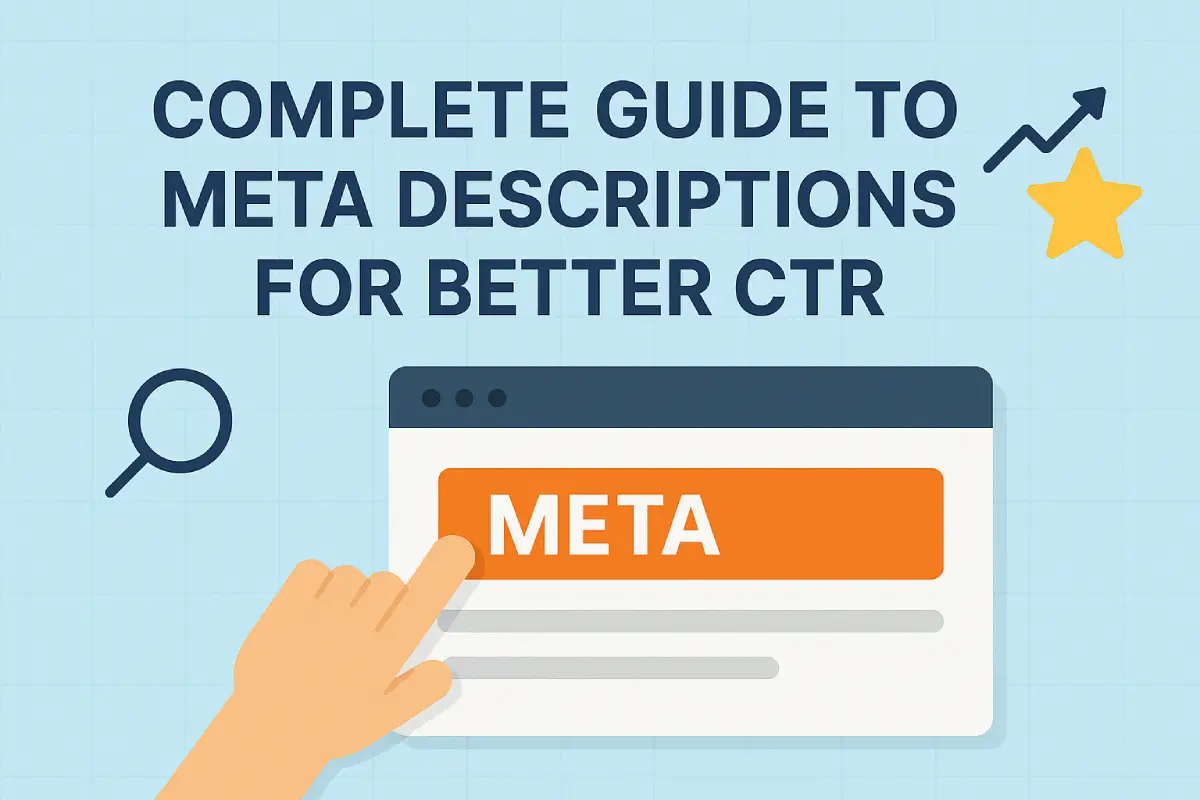
A meta description does more than summarize webpage content in a brief snippet within the HTML code. It appears under the title in search engine results- giving users their first impression of your site. This text helps people decide whether they will click on your link or choose another result.
It’s not just for search engines; it’s really important for people too. When you write a clear, well-organized meta description, your content stands out more whether that means lots of clicks from Google search results, shares on Facebook or Twitter, or high click-through-rates from anywhere else previews are shown. Giving users a genuine feel for what they will find also helps build trust: something key if you want online visitors to become customers!
Why is a Meta Description Important?
Google’s algorithm does not directly use meta descriptions as a ranking factor. However, they strongly influence click-through rate (CTR) which in turn affects your site’s search performance. When more users click on your listing, search engines interpret this as a positive engagement signal.
A compelling description decreases bounce rate by establishing accurate expectations. If visitors understand the content behind their clicks, they won’t just exit right away. Additionally, when you incorporate target keywords, details, and calls to action, your descriptions become more relevant to what people are searching for, plus they stand out from similar items or pages.
How Does a Meta Description Look in Code?
A meta description is added in the <head> section of a webpage’s HTML. Here’s an example of how it looks:
<meta name="description" content="Learn how to write effective meta descriptions that boost clicks, match search intent, and engage your audience.">This small piece of code signals to search engines what your page is about. While it is not a direct ranking factor, it gives crawlers and users an important summary of the content.
Best Practices for Writing Meta Descriptions
a) Keep It Between 140–155 Characters
The meta description it has to be brief yet meaningful. Experts say that 140 to 150 characters is the perfect range, although one should never exceed 155 characters because then Google might cut it off. This way you can be sure that your message will appear in full when people find your page via a search engine.
b) Use Active Voice and Make It Actionable
The text advises readers to use active voice because it creates a sense of confidence and engagement. Instead of passively stating facts, texts should encourage readers to take action: for example, “Discover easy tips for SEO success” is far more compelling than “SEO tips are available here.”
c) Add a Clear Call to Action
Numerous effective meta descriptions conclude with a call to action. You can increase clicks by encouraging users to ‘learn more’, ‘get started today’, ‘explore now’, or ‘download your guide’.
d) Place the Focus Keyword at the Beginning
The target keyword should always be included near the beginning of your description. When potential visitors see their search term right away, they’re reassured that your page is relevant to them and Google’s algorithms take this as a sign to highlight the word in bold in search listings, making it stand out.
e) Match the Content of the Page
The description really has to reflect the page accurately. If summaries are misleading, they won’t just reduce trust they’ll also boost bounce rates. Descriptions should remain relevant and ensure users discover precisely what was promised in the snippet!
f) Make It Unique
Each page needs a unique meta description. When websites use the same text on multiple pages, it hurts their chances with search engines and can reduce click-through rates too. Make sure every description zeroes in on what makes that particular page stand out.
g) Avoid Question Marks and Filler Words
Make sure you avoid unnecessary question marks or filler phrases. Instead, communicate your message directly and with confidence. A clear tone that shows authority is much more effective than writing that seems vague or uncertain.
h) Use Preview Tools Before Publishing
Tools like ToTheWeb Meta Description Length Tool and Portent SERP Preview Tool allow you to preview how your description will look in Google. These instruments reveal whether your description is excessively lengthy or insufficiently brief and assist you in polishing the phrasing prior to publication.
i) Remember Google May Rewrite Descriptions
Google may occasionally change your meta descriptions depending on what’s on the page and how people search. This means that even if you write a great description one that fits perfectly it might not always appear exactly as you intended. Nevertheless, creating an optimized version still boosts the likelihood of it being used.
j) Avoid Multiple Meta Descriptions
Some wonder if it’s possible to add two or more meta description tags. Google recognizes just one and ignores any others. Adding multiple descriptions is not a good idea and can cause problems.
How to Write Meta Descriptions in WordPress
In the world of WordPress, there’s no hassle in adding or editing meta descriptions. This can be done through SEO plugins like Yoast SEO or Rank Math. After installing one when you edit a post or page just scroll down to the SEO settings box. There you will see a special field marked “Meta Description.”
Go ahead and enter your description in the box. Just keep an eye on how many characters you’re using! What’s great is that these plugins also show you a little picture of how your snippet will pop up in search results. Once you’ve saved or updated the page, there’s no need to worry about adding the description yourself, it’ll be automatically included in the page’s HTML.
It is possible to have unique and optimized meta descriptions on each page without manually editing the code if you use WordPress plugins.
Conclusion
Meta descriptions don’t directly boost your rankings; they are essential for drawing people in and keeping them on your site. Think of them as the initial handshake for pages on Google or Facebook: when they’re good, they can increase click-through rates by lots of things, meaning more visitors stay longer because they’ve realized how useful your content is! To truly make the most of your meta descriptions, ensure they’re brief, packed with keywords, unique, and encourage action. It’s worth getting them right: this is an area where small changes can have a big impact on website traffic.