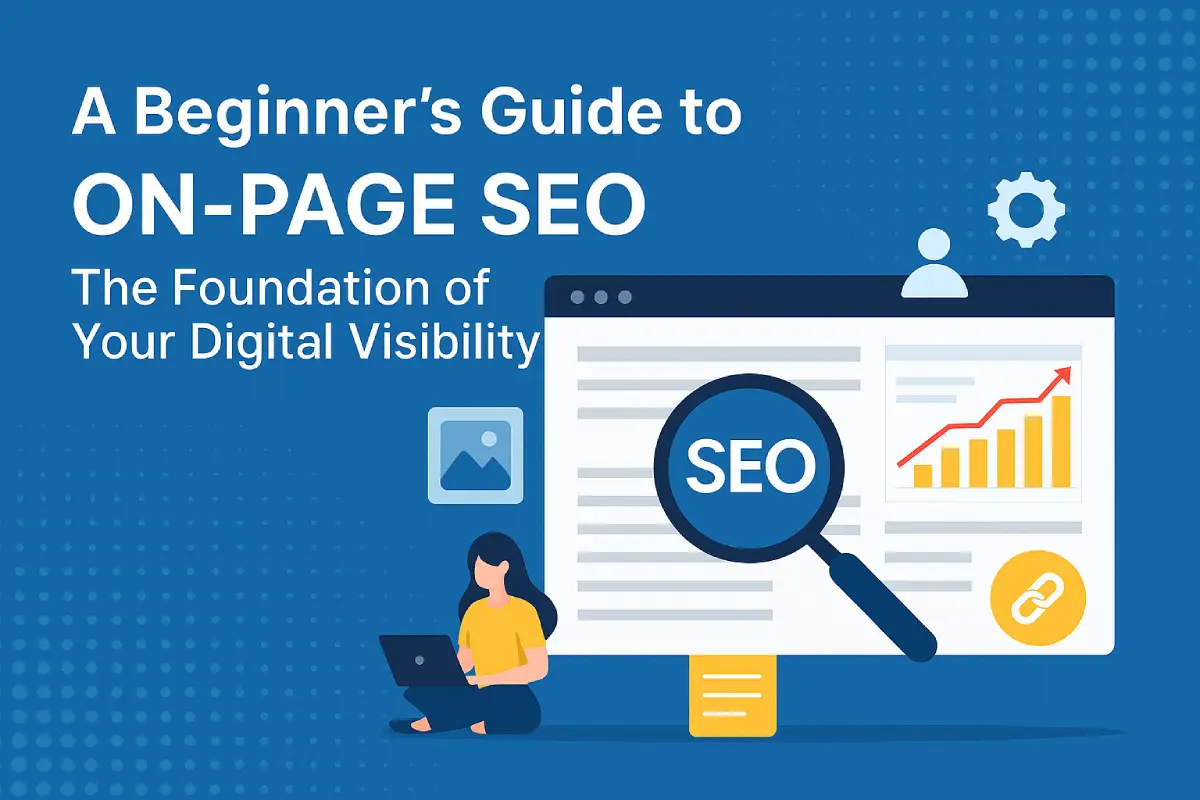
In simple terms, on-page SEO means making your web page better so that it ranks higher in search results. It’s a really important first step! When we talk about this, we’re referring to optimizing both the actual content visible to visitors and certain HTML components read by search engines. If you grasp these fundamentals, you’ll be well equipped to attract more visitors via Search Engines over long periods; plus perform strongly against rivals in digital marketplaces.
What is On-Page SEO and Why It Is Important?
In a nutshell, on-page SEO is about tweaking individual web pages so they rank better in search engines and get the right visitors. This involves making content stronger, improving headlines, meta tags, URLs as well as looking at how everything links together internally, all things within your control for each page. Search engines evaluate every single page individually; therefore it’s crucial to do optimization for each one. Pages that have been well-optimized are more likely to rank highly for relevant queries
Quick Difference: On-Page vs Off-Page vs Technical SEO
There are three types of SEO. The first is on-page SEO, which is all about making sure the content and structure of individual web pages work well. This includes aspects such as titles, keywords, meta descriptions, and how pages link to each other inside your site. Off-page SEO deals with things happening off your website: backlinks (links from other sites), brand mentions, or social media activity, all these help build authority and trust. Then there’s technical SEO; this looks at the whole site behind-the-scenes. Ensuring that search engines can crawl and index it okay; making sure it works well on mobiles, plus checking site speed. In short: on-page SEO polishes up individual pages; off-page SEO builds up your external credibility, while technical SEO boosts the site’s overall performance!
Importance of Target Keywords Before Starting On-Page SEO
It is very important to first select a main keyword prior to writing or optimizing content. By selecting this keyword, it becomes possible to determine the subject matter of the page and ensure everything fits accordingly. This includes titles, meta descriptions, and the page’s body text. Choosing a single keyword focus per page allows search engines to see each page’s purpose more clearly as well as avoiding any internal competition between your own site’s pages.
Key Elements of On-Page SEO
Meta Title
It is advisable to initiate the meta title with the target keyword whenever feasible. Ensure that your titles are under 60 characters so they display correctly in search results. This way they won’t be cut off mid-sentence! After all, it’s important for your title to accurately convey what the page is about and also give people a reason to click on it.
Meta Description
In crafting your meta description, begin with the target keyword. Then briefly engage readers with a summary of your page’s content. Make it around 150–160 characters so the whole thing shows up in search results. Using action words and showing clear value can also help more people click through to your site.
Page URL
Try to create URLs that are short and clear, containing the main keyword. Stay clear of random digits symbols or common words. When URLs are easy to understand and give an idea of the page contents it helps both people using the site and search engines.
Heading Tags (H1 to H6)
Make sure you only use one H1 tag per page. This is usually reserved for the main title although it can be used elsewhere if necessary. To create clear divisions within your content, follow headings 2 and 3 in a logical order: they are great at splitting up sections so readers (and Search Engine) understand what’s going on.
Internal Linking
To keep visitors on your site longer and help them find more content they’re interested in, link together relevant pages. Links like these also make it easier for search engines to understand how your website is organised; which in turn helps those bots distribute ranking power (sometimes called ‘link juice’) around different pages on your site.
External Linking
Including links to well-known, high-status websites can help readers feel more secure in your content. Make sure that these links go to pages that are relevant and supportive of the main ideas you’re discussing; when they do so, they have been shown to increase perceptions of trustworthiness especially if the link is an official source such as government data, research findings, or someone’s expert viewpoint.
Image Alt Text
Ensure that all images have descriptive alt text and try to include the main keyword when it makes sense for the image. This helps people who use screen readers because they have trouble seeing and it also helps search engines understand what your pictures show. As a result, you may get more visitors from image searches if your photos are optimized.
Schema Markup
Make sure to include schema markup in your content so search engines know if it is a product page, FAQ section, or something else. This won’t just help your site rank higher: When search engines understand what’s on a page they will display extra information (rich snippets) like prices, star ratings, or publication dates in the SERPs. A useful tool for doing this is Google’s Structured Data Markup Helper which could make adding schema to your site easier.
Optimize for CTR (Click-Through Rate)
You must create titles and descriptions that match the user’s intent for searching while also sparking curiosity or urgency. It is known that including numbers such as statistics, power words or emotional language makes listings stand out more in search results. Listings with higher click-through rates from searchers often see their rankings improve over time; this correlation goes both ways.
Working on Search Intent
It’s important to identify whether keywords have informational, navigational, or transactional intent. You want to make sure that the content matches what users are looking for when they enter a particular search term into Google. When you get this right, matching the intent, your content will perform better from an SEO point of view (as well as getting higher engagement rates and fewer bounces).
Relevant Keywords
Ensure the main keyword fits naturally into the text, particularly in the opening paragraph, subheadings, and conclusion. Also sprinkle in related keywords and synonyms around the page to really hammer home what it’s about. But watch out! Don’t use them too much– this could make your writing feel forced or like it’s just trying too hard to game search engines.
Avoid Keyword Stuffing
Make your writing flow naturally and don’t force keywords in. It is also important not to repeat the same phrase over and over again– this can make your text hard to read (and may also annoy Crawler). Instead, concentrate on being clear, relevant, and useful to readers.
Content Depth
Search engines love content that fully answers a question or goes into detail about a topic. Rather than simply touching on the surface, well-organized and informative content establishes trust with readers. It additionally enables you to be seen as an expert within your market– increasing the likelihood that you will achieve high rankings!
Text Formatting
Using proper formatting like bold, italic, or underlined text helps highlight important points for readers and makes content easier to scan. While it doesn’t directly boost rankings, it improves readability, emphasizes keywords naturally, and enhances the user experience — all of which search engines value.
Keywords in Headlines
Including target keywords in headlines– such as H1, H2, and H3 tags– provides clues to search engines about your page’s content. Headings give your text a structure that makes it easier for people to read; they also have an SEO job because they point out the relevancy of keywords. When headings are optimized well, they can boost both how high a page ranks (its visibility) and the number of clicks it gets from users– in other words, its appeal.
E-E-A-T (Experience, Expertise, Authoritativeness, Trustworthiness)
Showing you really know your stuff and building trust helps you seem credible to search engines and users. You can do this by pointing to reliable sources including author credentials, as well as writing content that shows actual knowledge or personal experience. Pages that demonstrate high levels of E-E-A-T (experience expertise authority and trustworthiness) often perform better in competitive areas such as health finance and education.
User Experience (UX)
An excellent website interface is one that lets visitors effortlessly get what they are searching for without irritation. It must have simple navigation, readable content, and be usable on any device— all things that make browsing the site a pleasure. The longer people stay and the more they interact while there, the better it looks to search engines: quality you can measure!
User Experience (UI)
A clean, intuitive design helps visitors easily navigate a website, find content, and interact with elements (menus, buttons, forms). Search engines track factors like bounce rate and dwell time, so a good UI can keep users engaged longer, which is a crucial ranking factor.
Page Loading Speed
A slow website is something nobody enjoys waiting for. A speedy site keeps visitors interested and cuts down on those immediate exits. Search engines appreciate quick-loading pages too; boosting your site speed aids your visitors and gives your SEO a lift.
Conclusion
To excel in on-page SEO, there are a few things you have to do; one of them is making sure each page serves visitor needs as well as caters to search engine algorithms.
This involves crafting titles filled with keywords, structuring content through logical heading arrangements, and adding schema markup. These are truly essential elements that, when used correctly, combine to make pages perform well.
By ensuring things are clear, relevant, and aligned with what users want, even newcomers can build SEO foundations strong enough to support digital growth for years.