
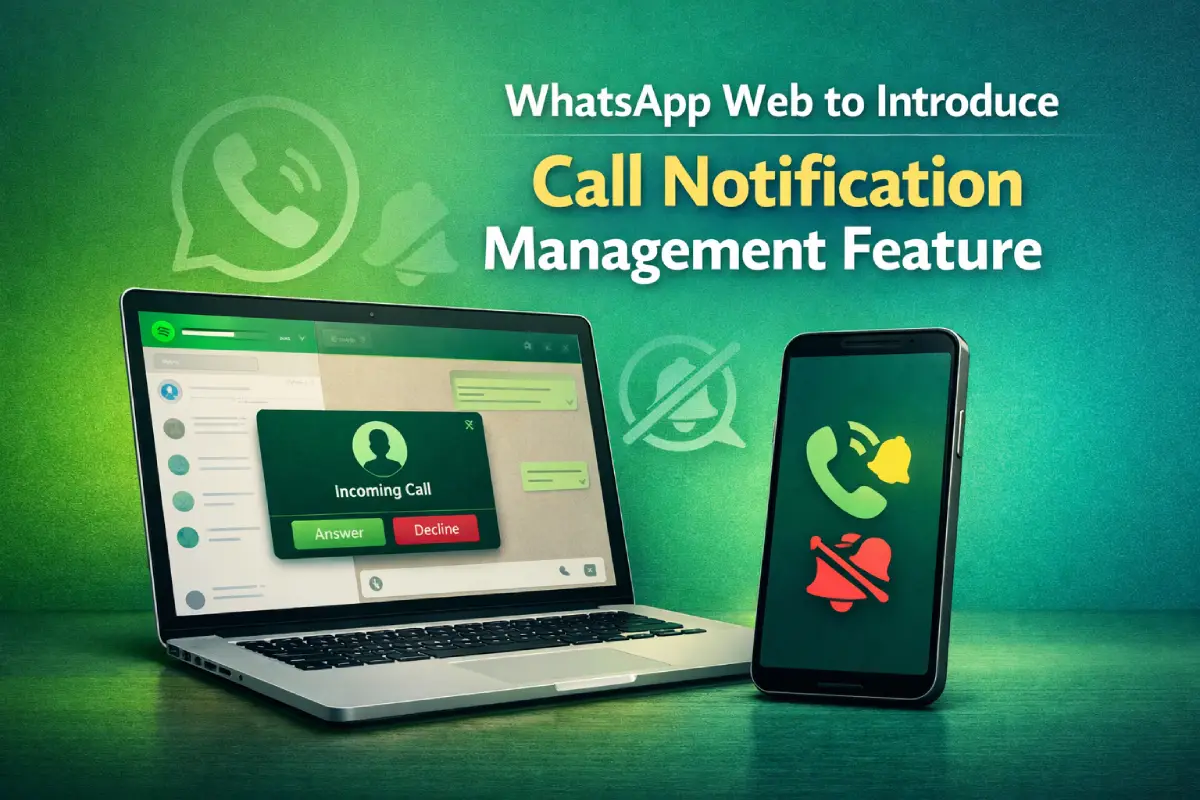
WhatsApp is working on a feature that allows users to control call notifications on its web app. This will give desktop users more say over when and how they get alerts for voice and video calls helping them tailor the experience to suit their needs. It’s part of a broader effort by WhatsApp to improve the experience of using its service through a web browser.
Right now, WhatsApp Web shows most chat notifications from your phone, but call alerts can sometimes seem intrusive especially if you’re working in an office or doing lots of things at once. However with the latest update users can personalize their experience! They’ll have more control over calls on WhatsApp Web: choosing whether to hear them, mute them completely, or create tailored alerts so they never miss important ones again.
In line with enhancing their web platform, WhatsApp is making it more independent and packed with features–like enabling users to adjust call alerts. Gradually the company is boosting WhatsApp Web’s capabilities so users don’t always have to be near their mobile phones: an approach that also improves things for those who mainly use desktops to access the service.
Such plans could prove very shrewd indeed given that WhatsApp is still trialing (testing) both its voice calls and video calls directly from within web browsers themselves!
It provides the option to personalize desktop notification sounds from inside WhatsApp Web’s settings area, separate from the notification controls on mobile. This lets users manage their alerts on a PC or Mac without having any impact on calls ringing through to their handset– a welcome feature for those using WhatsApp Web all day at work.
The new call notification management feature, like many WhatsApp updates, is expected to be rolled out in stages.
Initially beta testers will have access to it before it is made available to all users– but there could also be further delays or limits depending on where people live and what kind of accounts they have.
Right now WhatsApp is all about helping you get stuff done, giving you more control, and making its desktop app way better.
Once these changes roll out for everyone, they should help you stay focused on work– while still making sure that important calls will come through at the right time.