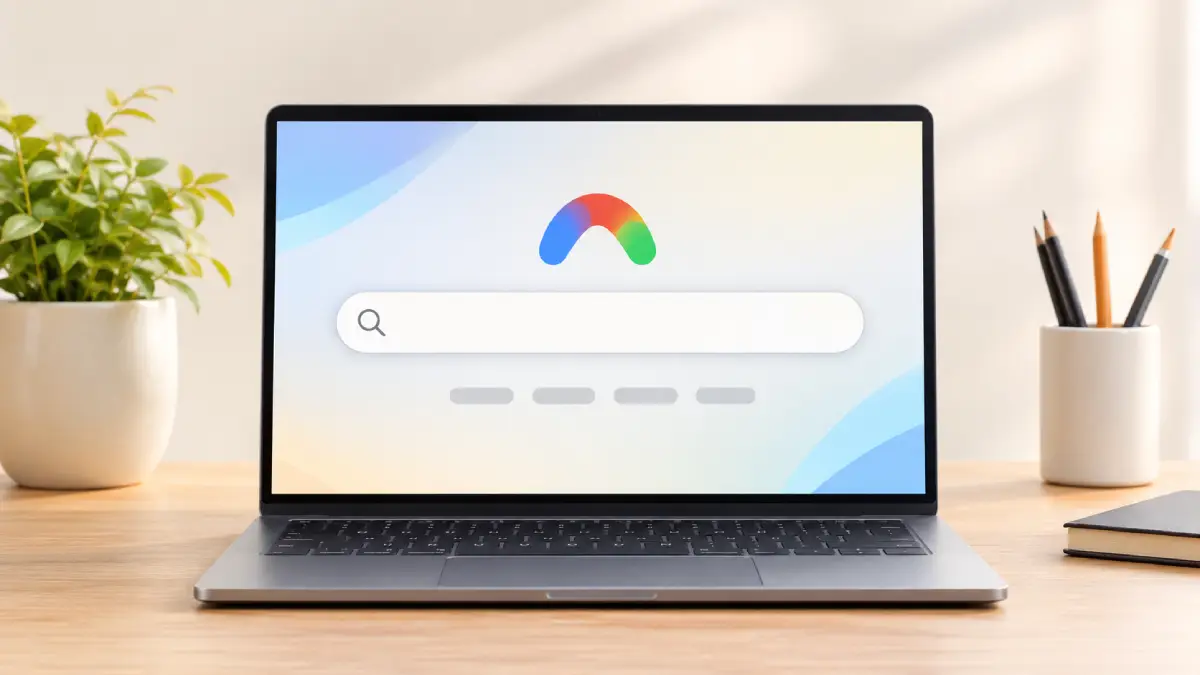
Google is rolling out a redesigned desktop homepage that removes the long-standing “Google Search” button and gives greater visibility to its artificial intelligence features. The update introduces shortcuts to Gemini-powered tools and a new sidebar for accessing previous AI conversations. The Google Homepage Redesign reflects the company’s growing focus on integrating AI into its search experience. However, traditional Google Search remains available, even though its familiar button is no longer displayed.
The Search Button Is Gone, but Search Is Not
The traditional “Google Search” button, which appeared beneath the search box for years, has been removed from the redesigned homepage. Users can still perform regular searches by typing a query into the search box and pressing Enter or Return on their keyboard. The change affects only the on-screen button, not Google’s core search functionality. The “I’m Feeling Lucky” button remains available, while AI Mode, voice search and image search continue to provide additional ways to interact with Google. The updated design is currently rolling out to desktop users, with availability varying between accounts and regions.
Three AI Shortcuts
The redesigned homepage introduces three shortcuts beneath the search box, replacing the traditional search button with direct access to Google’s AI features.
- Create Images: Provides access to Google’s Nano Banana image-generation model, allowing users to create images using text prompts.
- Ask About Files: Lets users upload documents and ask questions about their contents, making it easier to analyze information with AI.
- Brainstorm: Helps users explore ideas, develop plans and work through different topics with Google’s AI.
These shortcuts make Google’s AI capabilities more accessible without requiring users to navigate through additional menus.
Sidebar for AI Search History
Another major addition is a collapsible sidebar that gives users access to their recent AI Mode conversations. Google Search vice president Robby Stein announced the global desktop rollout on November 19, 2026. The sidebar allows users to reopen previous AI conversations and continue exploring topics without starting from scratch. It also provides a way to start new conversations. Users can collapse the sidebar when they do not need it. The history panel also includes controls for managing previous AI searches, including deleting individual conversations or clearing the entire AI Mode history.
What It Means for Users
The Google Homepage Redesign changes the way users interact with Google’s homepage by making AI tools more prominent. Instead of focusing primarily on traditional search, the updated interface provides direct access to image creation, document analysis and brainstorming. However, people who prefer conventional searching can continue using Google as before by entering a query and pressing Enter. The redesign does not force users to use AI Mode for regular searches.
Google’s Wider Focus on AI
The homepage changes follow Google’s broader efforts to make AI Mode a more central part of its search experience. Earlier updates included a redesigned search box supporting longer queries and AI-powered autocomplete. On November 17, Google also introduced temporary threads in AI Mode globally, allowing users to explore topics without keeping those conversations in their regular history. The Google Homepage Redesign brings these developments closer to the starting point of the search experience. By placing AI shortcuts and conversation history directly on its homepage, Google is making it easier for users to move between traditional searches and AI-powered interactions. Google has not announced how the homepage design may evolve further.